Why Bootle Businesses Lose Customers to National Directories (And the Maps Fix)
Many local tradespeople and shops in Bootle are losing valuable customer leads to directories like Yell and Checkatrade. Here is the simple guide to reclaiming your local search presence on Google Maps.

Quick Summary for Busy Humans:
- The Problem: When people in Bootle search for a local plumber, builder, or salon, national directory websites (like Yell or Checkatrade) push local businesses down the page.
- The Opportunity: Google Maps listings show up above the organic search results, giving local businesses a free way to bypass the giant directories.
- The Fix: Claiming your Google Business Profile, optimizing it for Bootle local keywords, and gathering direct reviews.
The Battle for Bootle Search Results
If you run a local business in Bootle—whether you're a roofing contractor on Knowsley Road, a cafe near the Strand, or an electrician covering L20—you already know how hard it is to get new customers online.
When someone searches Google for "plumber in Bootle" or "roofers near me," they are ready to hire. But instead of seeing local businesses, they are met with a wall of national directories. Huge sites like Yell, Checkatrade, and Rated People spend millions of pounds on search engine optimization (SEO) to dominate the organic search results. They list dozens of businesses, charge you to get leads, and often sell the same lead to three of your competitors.
For a small business, trying to compete with these giants on standard organic search results is a losing game. They have too many pages and too much domain authority. But Google has built a loophole specifically for local businesses: Google Maps.
Google Maps: The Local Shortcut
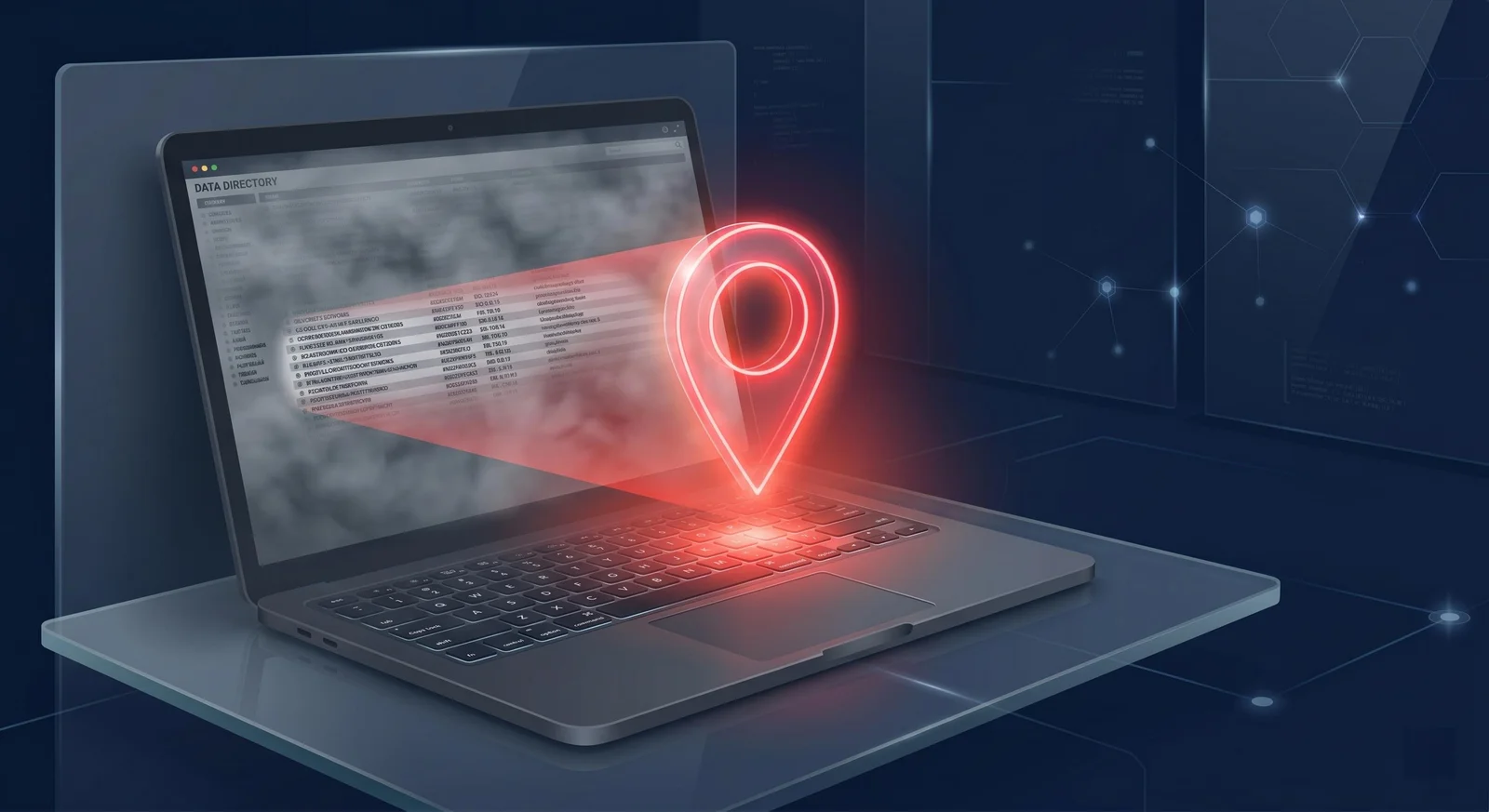
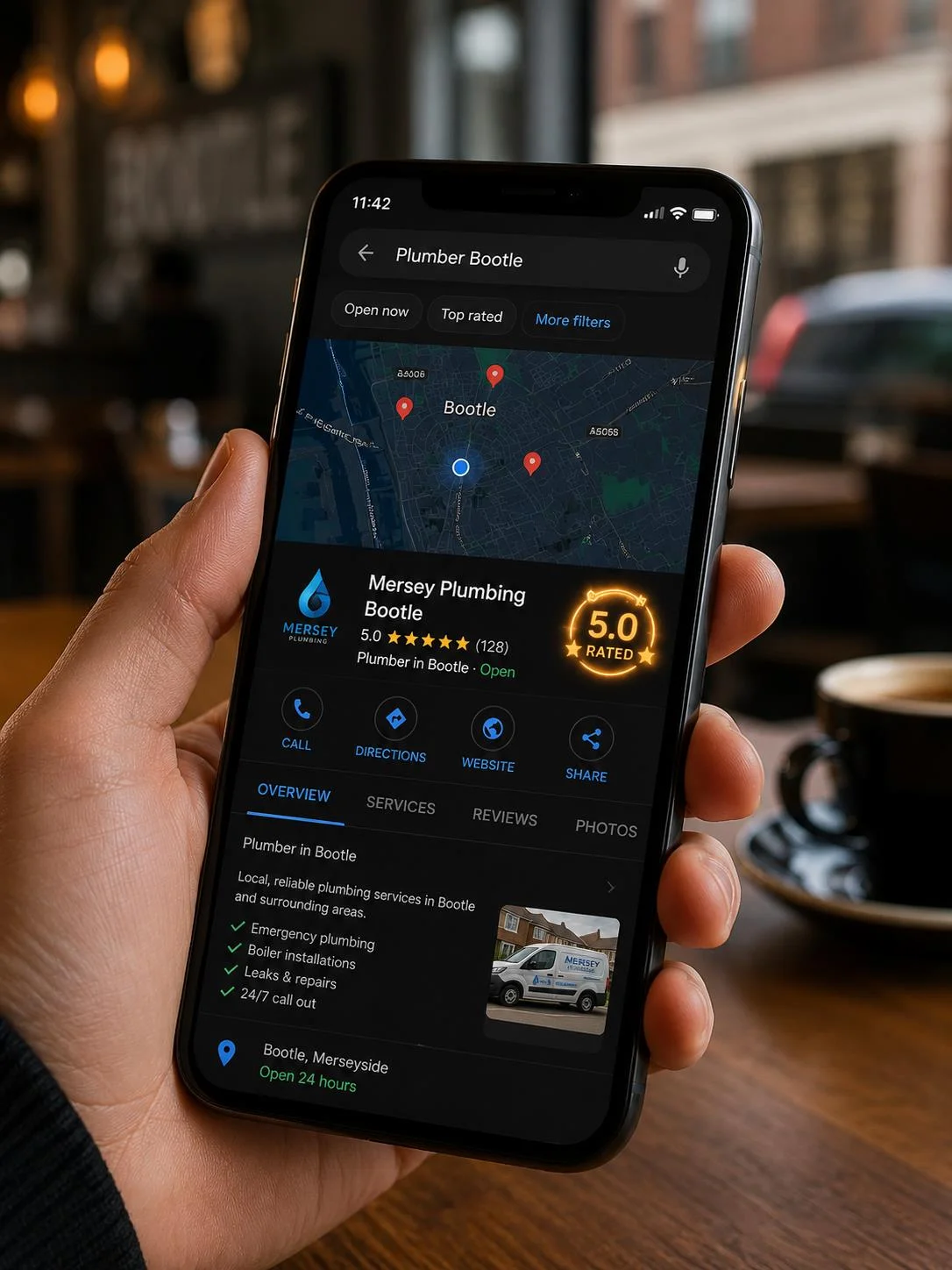
Whenever someone searches for a local service, Google displays the "Map Pack" (the map layout featuring three local businesses) directly at the top of the screen—even on mobile phones. This Map Pack sits above all the national directories.
This means a local plumber in Bootle can rank higher than Yell, Checkatrade, and every national directory simply by having a well-optimized Google Business Profile. Google does this because searchers want a local business, not a directory listing.
If you aren't showing up in those top three maps results, you are effectively giving away your local leads to directories or to the one or two local competitors who have claimed their profiles.
3 Steps to Claim Your Bootle Customers on Google Maps
Getting into the Map Pack doesn't require a huge budget. Here are the three simple steps you can take today to optimize your profile:
1. Align Your Name, Address, and Phone Number (NAP)
Google needs to trust that your business is real and located in Bootle. The easiest way to build this trust is consistency. Make sure your business name, physical address, and phone number are formatted exactly the same way on your website, your Google Maps profile, and any local citations (like Facebook or local business lists). You can find Google's official rules in the Google Business Profile Help Center.
2. Speak "Bootle" in Your Profile Description
Many business owners write generic descriptions like "provider of high-quality construction services." Google doesn't rank you for corporate talk. Instead, explain exactly what you do and where you do it. Use plain terms like "local builder covering Bootle, Seaforth, L20, and surrounding North Liverpool areas." This tells Google's algorithm exactly when to show your business to local searchers.
3. Make Reviews Easy for Customers
The number of 5-star reviews on your profile is the strongest ranking factor for local maps. But asking customers to go to Google, search your name, click reviews, and write a comment is a lot of work. They will forget.
Instead, create a direct review link and text it to them immediately after finishing a job. You can print a QR code on your business cards or invoices that opens the review box instantly (see our Google Review QR Code Pack if you want us to set this up for you).
No Retainers, Just Simple Fixes
Local SEO doesn't have to be a complicated, expensive monthly contract. By taking control of your Google Business Profile and local signals, you can bypass the national directories and connect directly with local Bootle customers who are ready to hire. And if you want us to handle the hard work, check out our Google Maps First Aid service.
Frequently Asked Questions (FAQ)
Do I need a physical shop or office in Bootle to show up on Google Maps?
No. If you are a mobile tradesman (like a plumber or electrician) who travels to customers, you can set up a "Service Area" profile. This hides your home address but tells Google exactly which postcodes (like L20 or L21) you cover.
How long does it take to start ranking on Google Maps?
If you already have a listing, cleaning up your details and getting a few reviews can show results within a couple of weeks. If your listing is suspended or brand new, verification can take Google 5 to 14 days.
Will this really get me above Checkatrade and Yell?
Yes. Because Google places the Maps local pack at the very top of search results on mobile and desktop, a well-optimized maps listing sits physically above national directories.
Get help
Want this done for you?
We help Liverpool businesses with web design, local search, and content. Honest work, fixed prices.
More articles
 Web Design
7 Problems Liverpool Business Owners Don't Notice on Their Own Phones
Is your site losing leads? Discover 7 common issues with Liverpool mobile-friendly websites that most business owners miss on their own phones.
 Local SEO
Crumbs & Grind Won Southport: A Local Success Story
A deep-dive case study on how a student-led food truck scaled to a permanent café in under 7 months by mastering local digital signals.
 Local SEO
Why Local SEO Fails for Liverpool Businesses (And How to Fix It)
Is your Liverpool business invisible on Google despite your 'SEO Wizard's' promises? Learn the 3 real reasons local SEO fails in Merseyside and how to take back your search rankings.